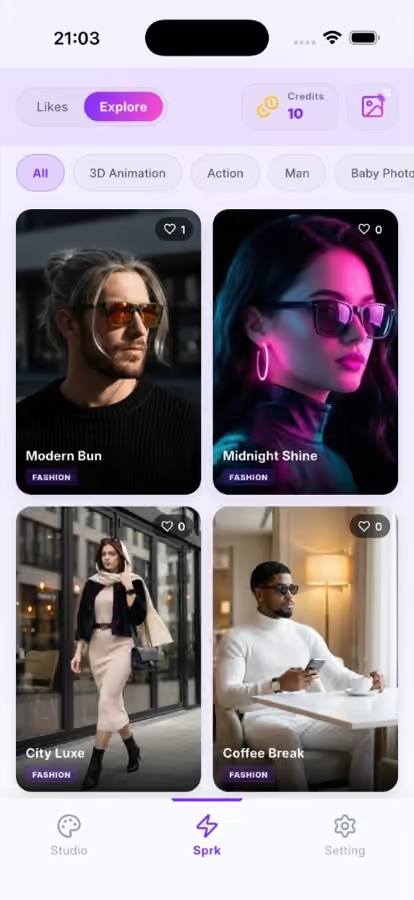
Explore
Fashion and trending looks with category filters.
Curated AI photo templates — fashion grids, 3D animation characters, action scenes, and more. Discover in Explore or scroll collections in Studio.
Catalog
Explore shows trending templates with likes and category filters. Studio groups styles into rows like 3D Animation, Action, and Man. Both lead to the same Generate Aura flow.
Fashion and trending looks with category filters.

Twin Vibes, Pro Persona, and playful 3D scenes.

Horizontal style rows to browse by vibe.

Action and movie-style templates like Movie Rider.
Use cases
Templates power every SnapAura generation — AI portraits, avatars, fashion, and cinematic AI photos. New looks appear in Explore as the catalog grows.
FAQ
Explore is a discovery feed of templates. Studio organizes the same kinds of styles into scrollable collections.
Yes. The same SnapAura template catalog is in the iPhone and Android apps.
SnapAura is template-first. Pick a look, upload your photo, then generate.
Download the AI photo app for iPhone and Android. Buy credit packs in-app when you want to generate more.